iPhone · iOS 17 and later
Your photo library, honestly sorted.
Snaplean groups the photos and videos actually worth reviewing — the heavy videos, the blurry frames, the screenshots you took once and forgot — so you can clear space without scrolling through years of memories.
Everything runs on your iPhone. No account, no server. Nothing is uploaded unless you tap Back up to YouTube.
What it looks like
Screenshots straight from the app, not mockups — taken by an automated test so they cannot drift out of date.
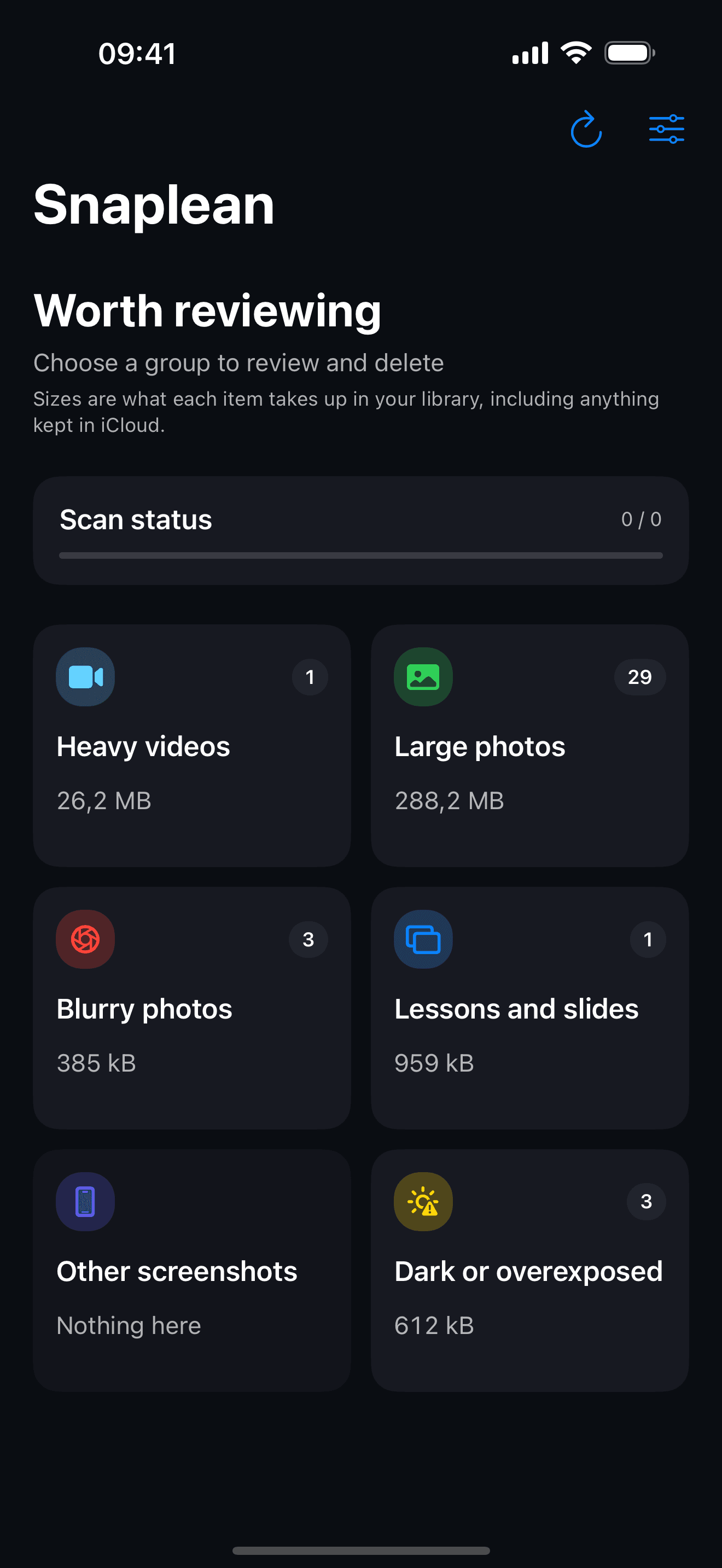
Every group with its real count and size, largest first.
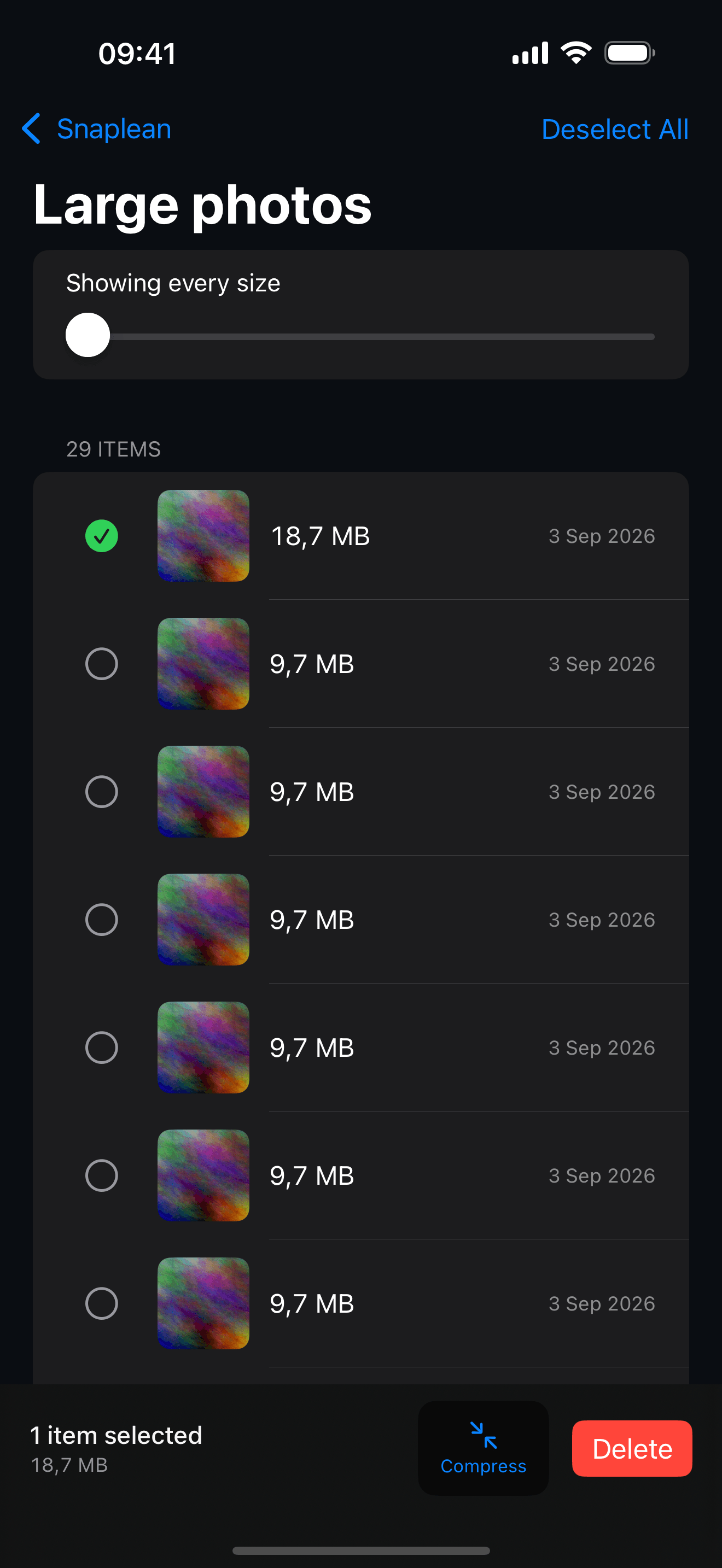
Pick what goes. Compress and Delete are the only two ways anything changes.
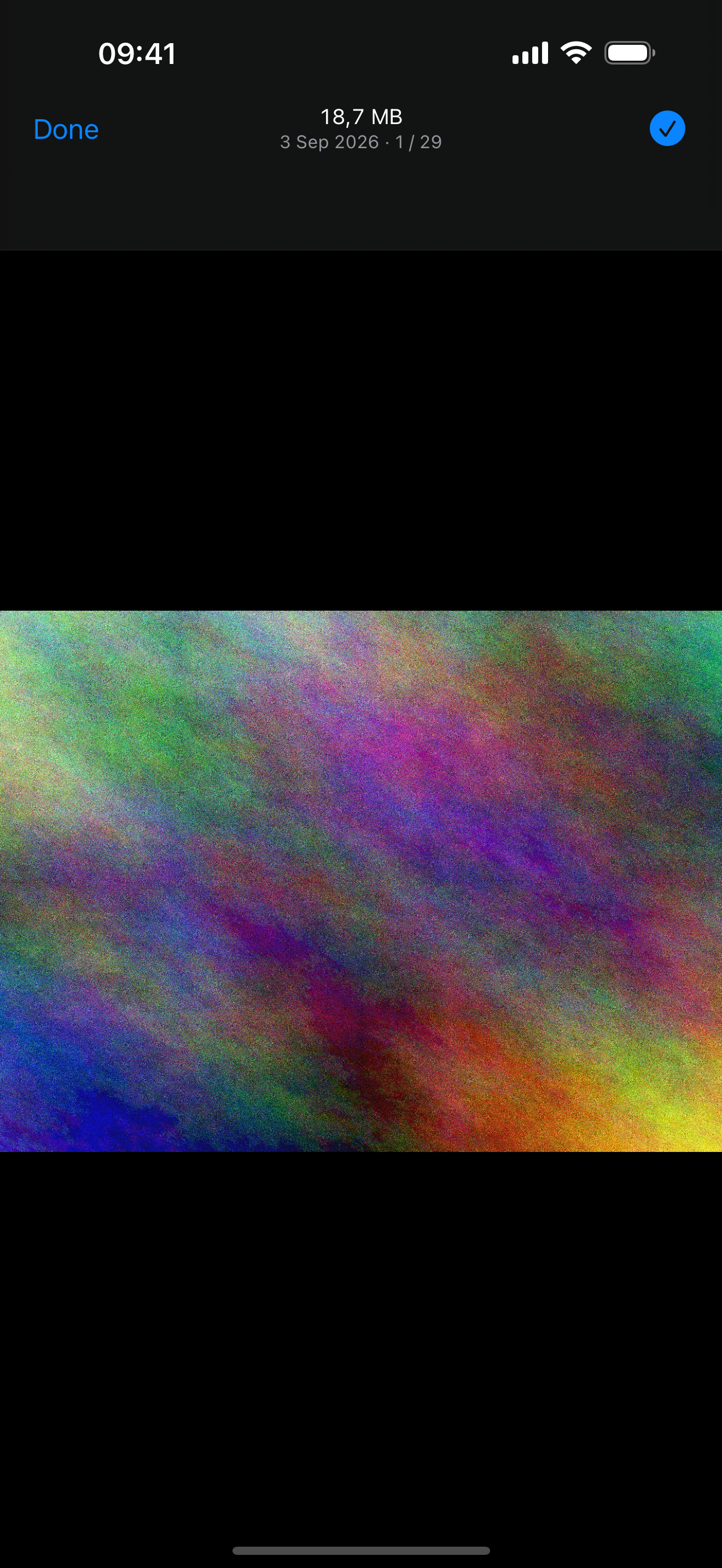
A proper look before you delete — swipe through the whole group.
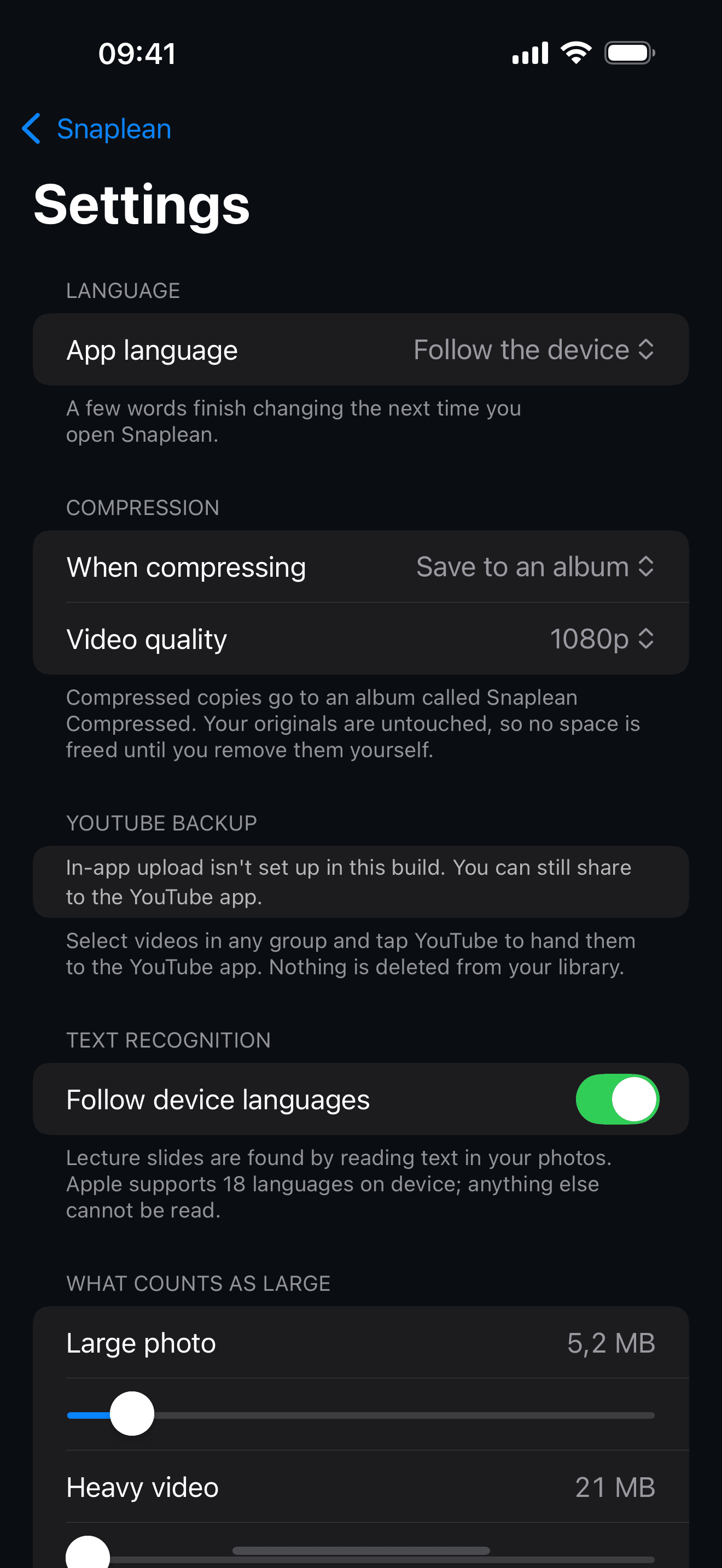
Eight languages, three compression modes, and thresholds you can move.
Six groups worth reviewing
Snaplean suggests. You decide what goes.
Largest videos
Usually where most of the space hides.
Large photos
High-resolution shots you kept by accident.
Blurry and shaken
Out-of-focus frames worth a second look.
Lessons, whiteboards, slides
Study photos you already used.
Other screenshots
Screens you saved and forgot.
Dark and overexposed
Frames the camera could not save.
How it works
Nothing leaves your phone
Scanning, text recognition and compression all run on device using Apple's own frameworks. Snaplean has no server of its own and asks for no account. The one thing that ever goes online is a video you choose to back up to YouTube.
Deleting is always your call
Snaplean never deletes anything on its own. Every removal goes through the system confirmation, and deleted items sit in Recently Deleted for 30 days.
Compress on your terms
Three modes: keep the original and save a compressed copy, replace the original in place, or export compressed versions to a separate album.
Reads text in your language
Lecture slides are found by reading the words in the image. Snaplean recognises text in the languages Apple's on-device engine supports — including Vietnamese, Japanese, Korean, Chinese, Spanish, Portuguese, Indonesian and more.
Apple's text recognition does not cover every language yet — Hindi, Bengali, Tamil, Hebrew, Greek, Persian, Filipino and others are not supported. On those devices Snaplean says so plainly instead of showing you an empty screen.